DaVinci Resolve Pricing
- Design pricing
- No published price
- Free plan
DaVinci Resolve pricing is recorded here from the vendor's own published plans. There is a free plan. Every figure below was read from the vendor's pricing page on 19 August 2026.
DaVinci Resolve publishes no standalone pricing page, so this opens the product site. Figures here were read on 19 August 2026.
DaVinci Resolve ranking and coverage
- In Design
- #5 of 11
- Overall
- #34 of 122 tied
- Terms score
- 6.7 /10
- Referenced here
- 1 page
Cost position 10 · Portability 3 · Subscription flexibility 7 - Ranked on published terms only: entry price against category peers, portability and subscription flexibility, equally weighted. This is not a quality score.How the rank is calculated.
DaVinci Resolve pricing at a glance
| Entry price | Free; DaVinci Resolve Studio $295 one-time |
|---|---|
| Seat minimum | None on the entry plan |
| Free plan | Yes |
| Free trial | No trial offered |
| How it charges | one time |
| Priced plans published | 2 rows on the vendor's page |
| Affiliate programme | No |
| Prices read from | The vendor's own pricing page |
| Last checked | 19 August 2026 |
Every DaVinci Resolve plan and what it costs
Read from the vendor's own pricing page on 19 August 2026. Charged as one time. No free trial is offered.
| Plan | Price | Billing | What it is |
|---|---|---|---|
| DaVinci Resolve | $0 | per one-time | The free version works with virtually all 8-bit video formats to 60fps at up to Ultra HD 3840 x 2160, and includes multi-user collaboration and HDR grading |
| DaVinci Resolve Studio | $295 | per one-time | Everything in the free version plus the DaVinci AI Neural Engine, dozens of additional Resolve FX, and temporal and spatial noise reduction |
DaVinci Resolve pricing against its competitors
Compared on the smallest invoice each vendor will accept, not on the advertised per-seat rate. Where a product has a seat minimum, the figure below is the minimum times the rate, because that is the cheque you would actually write.
| Product | Cheapest paid entry | Free plan | Against DaVinci Resolve |
|---|---|---|---|
| Adobe Creative Cloud | $19.99 a month | No | – |
| DaVinci Resolve | Not published | Yes | This product |
Which DaVinci Resolve plan should you buy?
| Your situation | Recommended | Why |
|---|---|---|
| You edit video, at any level, and are not a professional colourist | DaVinci Resolve, free | The free version covers editing, grading, effects and audio, including collaboration and HDR. Most people never need more. |
| You grade professionally, or need noise reduction and the AI tools | DaVinci Resolve Studio | $295 once for the AI Neural Engine, the extra Resolve FX and temporal and spatial noise reduction. |
| You work in 10-bit or higher-end codecs | DaVinci Resolve Studio | The free version's format support tops out at virtually all 8-bit formats to Ultra HD 60fps. |
| You need Adobe interoperability with a wider suite | Consider Premiere Pro instead | $22.99 a month as a single app, and native exchange with After Effects and Photoshop. |
| You need to design a page, not a sequence | Do not buy this for that | Resolve does no layout, typography for print or interface work. |
Verdict by who you are
Video editor or motion designerYes
The free version is a complete post-production suite, and the paid upgrade is $295 once rather than a subscription.
Marketing team making video in-houseYes
Zero licence cost for a professional tool, with collaboration included.
ColouristYes
The colour page is the reference tool, and Studio's noise reduction is the reason to pay.
Graphic or interface designerNo
Wrong category. This is post-production, not design of pages or products.
Anyone on light hardwareNo
It expects a capable GPU and will be unpleasant without one.
Should you buy DaVinci Resolve?
Buy DaVinci Resolve if…
- Anyone editing video, grading colour or making motion graphics
- Teams who want post-production without a subscription
- Studios needing collaboration on a timeline
Do not buy DaVinci Resolve if…
- Interface, layout or print design
- Anyone wanting a lightweight tool for quick social clips
- Machines without a capable GPU
Best DaVinci Resolve alternative for each job
Chosen by what you are trying to do rather than by which product is closest overall, because the right replacement depends on the job.
| If you mainly need to… | Use | Why |
|---|---|---|
| Edit video inside an Adobe workflow | Adobe Creative Cloud | Premiere Pro at $22.99 a month, with native After Effects exchange. |
| Quick social video | Canva | Canva's video editor is enough for social cuts and far quicker to learn. |
| 3D and motion graphics | Blender | Free and open source, with a full 3D pipeline Resolve does not attempt. |
| Design the graphics that go in the video | Affinity | Free, and the vector and pixel tools Resolve does not have. |
What leaving DaVinci Resolve would cost
high lock-in
DaVinci Resolve offers none of the four portability signals we check, so anything you build here stays here. Portability 3/10 ; lock-in is the inverse. How this is calculated.
What the free version actually includes
Blackmagic’s framing is that the best creative tools should not be limited to Hollywood, and the free version is unusually generous by the standards of this category:
- Editing, colour, visual effects, motion graphics and audio in one application
- Multi-user collaboration on the same timeline
- HDR grading
- Virtually all 8-bit video formats, up to 60fps at Ultra HD 3840 x 2160
Compare that with the seat-and-tier logic across the design tools we price: here collaboration is not the upsell, and neither is the professional-grade feature set.
What $295 buys, and when to pay it
DaVinci Resolve Studio is a single $295 purchase - no subscription, no renewal - and adds the DaVinci AI Neural Engine, dozens of additional Resolve FX, and temporal and spatial noise reduction.
Two situations make it the obvious buy: you grade professionally and want the noise reduction, or you work beyond 8-bit formats. Otherwise start free and pay later, because the licence does not expire and nothing is lost by waiting.
Set against Adobe Premiere Pro at $22.99 a month, Studio pays for itself in about thirteen months and then keeps working.
It is not a design tool for pages
Worth saying plainly, because it appears on “best design tools” lists that have not thought about it: Resolve sets no type for print, holds no design system, and does no layout. It is post-production. On a design shortlist it answers the motion and video job and nothing else, which is exactly how we rank it.
The real cost is learning it
Five pages - Cut, Edit, Colour, Fusion, Fairlight - each with its own model of the world. That is why the learning curve scores low above. It also expects a capable GPU, and the experience on light hardware is poor. Budget the time before the money; the money is the easy part here.
DaVinci Resolve questions, answered
- Is DaVinci Resolve worth it?
- DaVinci Resolve is the strongest argument in creative software that free does not mean limited.
- How much does DaVinci Resolve cost?
- Free; DaVinci Resolve Studio $295 one-time. Verified against the vendor's pricing page.
- Does DaVinci Resolve have a free plan or free trial?
- DaVinci Resolve has a free plan. No free trial is offered.
- What is the best DaVinci Resolve alternative?
- It depends on the job. Adobe Premiere Pro: $22.99 a month as a single app, with tighter Adobe interoperability. Final Cut Pro: A one-time Apple purchase, macOS only. CapCut: Far simpler and free for short social video, with none of this depth.
- Can I self-host DaVinci Resolve?
- No. DaVinci Resolve is a hosted service only, so your data lives on the vendor's infrastructure.
DaVinci Resolve publishes no standalone pricing page, so this opens the product site. Figures here were read on 19 August 2026.
What this profile is based on
Every claim below is about our work, not about DaVinci Resolve. A "no" is recorded rather than omitted, because the difference between a tested review and careful desk research is the reader's to weigh. How we research a profile.
-
Prices read from the vendor : yes
Read from DaVinci Resolve's own pricing page on 19 August 2026
-
Plans and terms recorded : yes
2 rows, each with its billing period
-
Original screenshots : yes
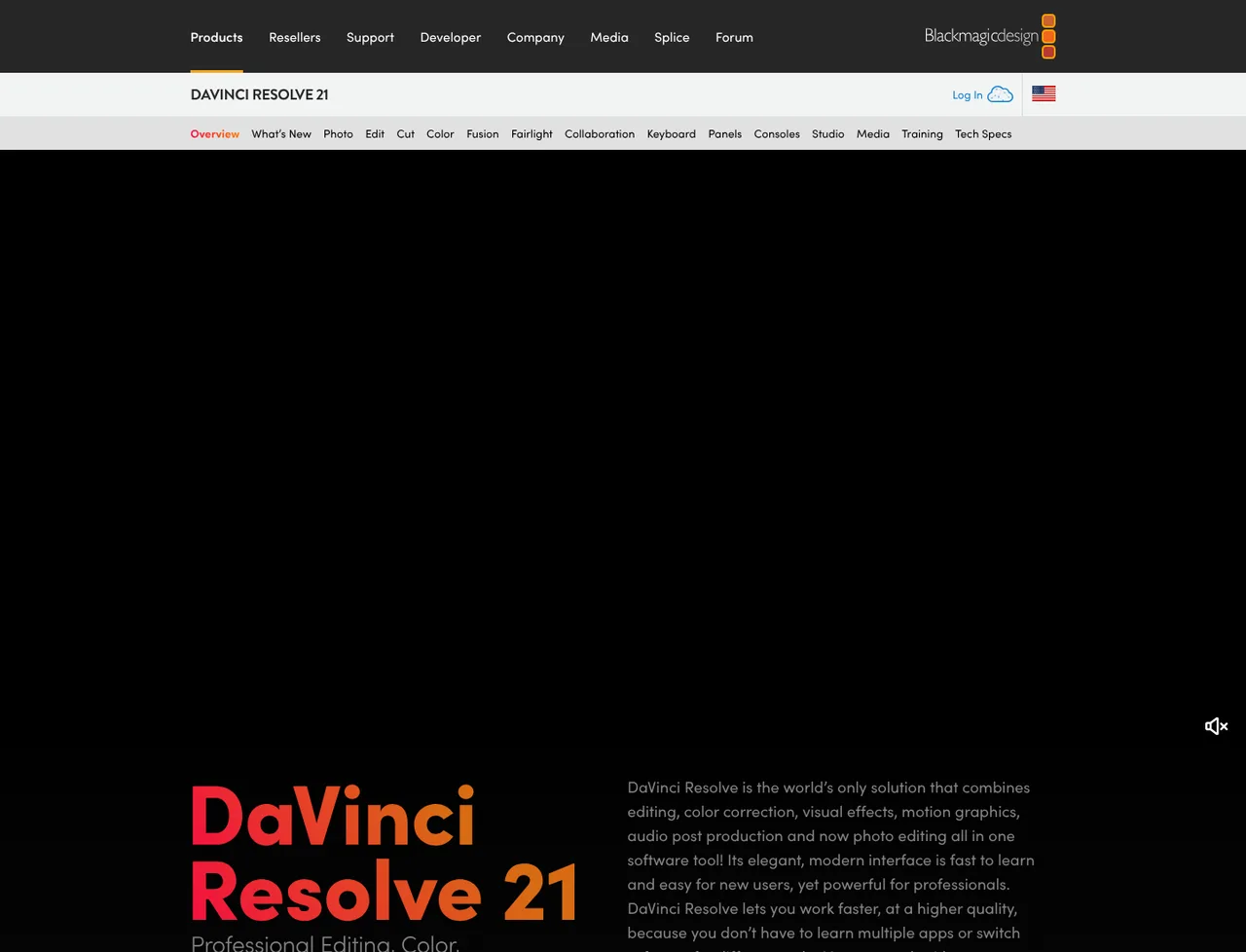
1 captured by us: homepage
-
Sources cited and dated : yes
2 primary sources, each with the date it was read
-
Product used first-hand : no
Not tested. This profile is desk research from primary sources
-
Alternatives used first-hand : no
None, so comparisons here rest on published facts rather than use
-
Vendor contacted : no
Not contacted for this profile
Desk research from Blackmagic Design's own product and company pages, read on 19 August 2026. Nobody here has used DaVinci Resolve, and no rendering performance or grading quality was assessed.
Where DaVinci Resolve appears on this site
One other page here references DaVinci Resolve, and it is listed below.
- Another profile Blender picks it for video editing and colour
Counts pages on this site that name the product by choice - price guides, pricing question pages, deal records and other profiles. Category and directory indexes list everything automatically and are not counted.
One-click Google setting
Get our writing surfaced first on Google
If this was useful, add EveryAny.One as a preferred source in Google. Our pricing pages and price guides will appear ahead of the rest in Top Stories, AI Mode and AI Overviews when you search for what software costs.
- Our reviews get a "preferred" badge in Top Stories and AI Overviews.
- AI Mode leans on the sources you've chosen when it answers.
- Change it back any time from the same Google page.

Opens Google's source preferences in a new tab.
Provenance and freshness
When each fact was last checked
- Pricing ·
- Plans ·
- Free trial
- Features ·
- Platforms ·
- Integrations
- Affiliate programme
- Company details
Individually sourced claims
-
The free version includes multi-user collaboration and HDR grading
Blackmagic Design, DaVinci Resolve ↗ · checked
-
DaVinci Resolve Studio is $295 as a one-time purchase
Blackmagic Design, DaVinci Resolve ↗ · checked
-
The free version supports virtually all 8-bit formats to 60fps at up to Ultra HD 3840 x 2160
Blackmagic Design, DaVinci Resolve ↗ · checked
What has changed
-
August 2026
- First published, with the free and Studio terms read from the vendor product page
- Recorded that collaboration and HDR grading sit in the free version
Sources & verification
Facts on this page were read from the sources below on the dates shown. Where a vendor does not publish a figure, we record it as not disclosed rather than estimating it.
- Blackmagic Design, DaVinci Resolve - checked 19 August 2026
- Blackmagic Design, company - checked 19 August 2026
Spotted something out of date? Email [email protected] and we will re-check it. Corrections are logged on the page.
