

Smartsheet
Enterprise work management for organisations that think in spreadsheets.
- Productivity
- Analytics
- Finance
- from $9/mo
Smartsheet is a work management platform whose core object is a sheet, extended with dependencies, Gantt views, resource management, automation and dashboards. It targets the large organisation running critical processes in Excel, and it wins by being familiar enough that those teams actually migrate.
Smartsheet: the short answer
Every line below is drawn from facts verified on 9 August 2026.
- What it is
- Enterprise work management for organisations that think in spreadsheets
- Best for
- Enterprises migrating critical processes off spreadsheets
- Starts at
- Pro from $9 per member/month billed yearly
- Free option
- No free plan, 30 days trial
- Biggest strength
- Unlimited free contributors, so only owners need a licence
- Biggest drawback
- Interface feels dated next to modern work management tools
- Closest alternative
- monday.com - More approachable and better looking, with less depth in scheduling
- True annual cost
- from $108 a year at the cheapest paid tier
Smartsheet at a glance
| Best for | Enterprises migrating critical processes off spreadsheets, Programme and portfolio management with resource planning, Organisations with many occasional contributors |
|---|---|
| Category | Productivity, Analytics, Finance |
| Starting price | Pro from $9 per member/month billed yearly |
| Free plan | No |
| Free trial | 30 days |
| Pricing model | subscription |
| Company | Smartsheet Inc. |
| Founded | 2005 |
| Headquarters | Bellevue, Washington, United States |
| Founders | Brent Frei, Mark Mader |
| Platforms | Web, iOS, Android |
| Public API | Yes |
| Browser extension | No |
| Mobile apps | iOS + Android |
| Self-hosting | No |
| Affiliate programme | No |
| Data source | Vendor pricing page and public records |
| Last checked | August 2026 |
Smartsheet pricing
Prices below were read from the vendor's own pricing page on 9 August 2026. Pricing model: subscription. Free trial: 30 days.
| Plan | Price | Billing | Notes |
|---|---|---|---|
| Pro | $9 | per month | per member, billed yearly - $12 billed monthly. 1 to 10 members, unlimited free contributors. The page renders the monthly and annual figures as one adjacent pair, so both were read from the rendered layout |
| Business | $19 | per month | per member, billed yearly - $24 billed monthly. Unlimited members, proofing and document builder. Read from the rendered layout, where the monthly and annual figures appear as one adjacent pair |
| Enterprise | Custom | Negotiated | Adds SSO, advanced governance, resource management and premium support |
What Smartsheet actually costs over a year
A monthly price is not the same thing as a monthly contract. These are the plans above multiplied out to twelve months, per seat or unit where the plan is charged that way.
| Plan | Monthly | Over 12 months |
|---|---|---|
| Proper member, billed yearly | $9 | $108 |
| Businessper member, billed yearly | $19 | $228 |
Which Smartsheet plan should you buy?
| Your situation | Recommended | Why |
|---|---|---|
| A small team is migrating processes off spreadsheets | Pro | $9 per member billed yearly, 1 to 10 members, with unlimited free contributors. Those free contributors are the point. |
| You have more than ten members | Business | $19 per member billed yearly, unlimited members, plus proofing and document builder. |
| You need SSO, governance and resource management | Enterprise | Quote only, and typically a programme-management purchase. |
| Most participants only view or update rows | Pro or Business, and count members carefully | Contributors are free. Only licensed members are charged, so the bill can be far lower than headcount suggests. |
| You want a modern, opinionated task tool | Consider Asana or Linear instead | Smartsheet is deliberately spreadsheet-shaped, which some teams find dated. |
| You are tracking software delivery | Do not buy Smartsheet | Jira or Linear fit that work properly. |
Verdict by who you are
Enterprise programme managerYes
Portfolio and resource planning over a familiar grid, which is why it persists in large organisations.
Team with many occasional contributorsYes
Unlimited free contributors makes wide participation genuinely cheap.
Team that thinks in spreadsheetsYes
The interface is an advantage rather than a compromise if that is how your people work.
Modern product teamNo
The spreadsheet metaphor will feel like a step backwards.
Software engineering teamNo
Not an issue tracker.
Should you buy Smartsheet?
Buy Smartsheet if…
- Enterprises migrating critical processes off spreadsheets
- Programme and portfolio management with resource planning
- Organisations with many occasional contributors
Do not buy Smartsheet if…
- Small teams wanting a modern, opinionated task tool
- Software delivery, where dedicated trackers fit better
- Buyers who dislike a spreadsheet-shaped interface
Key features
- Sheet-based structure familiar to spreadsheet users
- Gantt charts with dependencies and critical path
- Unlimited free contributors who can edit and comment
- Automation for approvals, alerts and update requests
- Dashboards and portfolio-level reporting
- Resource management for capacity planning
- Forms for structured intake
- Document builder for generating files from row data
Integrations
- Microsoft 365 and Teams
- Google Workspace
- Salesforce
- Jira
- Slack
- Smartsheet API and Bridge
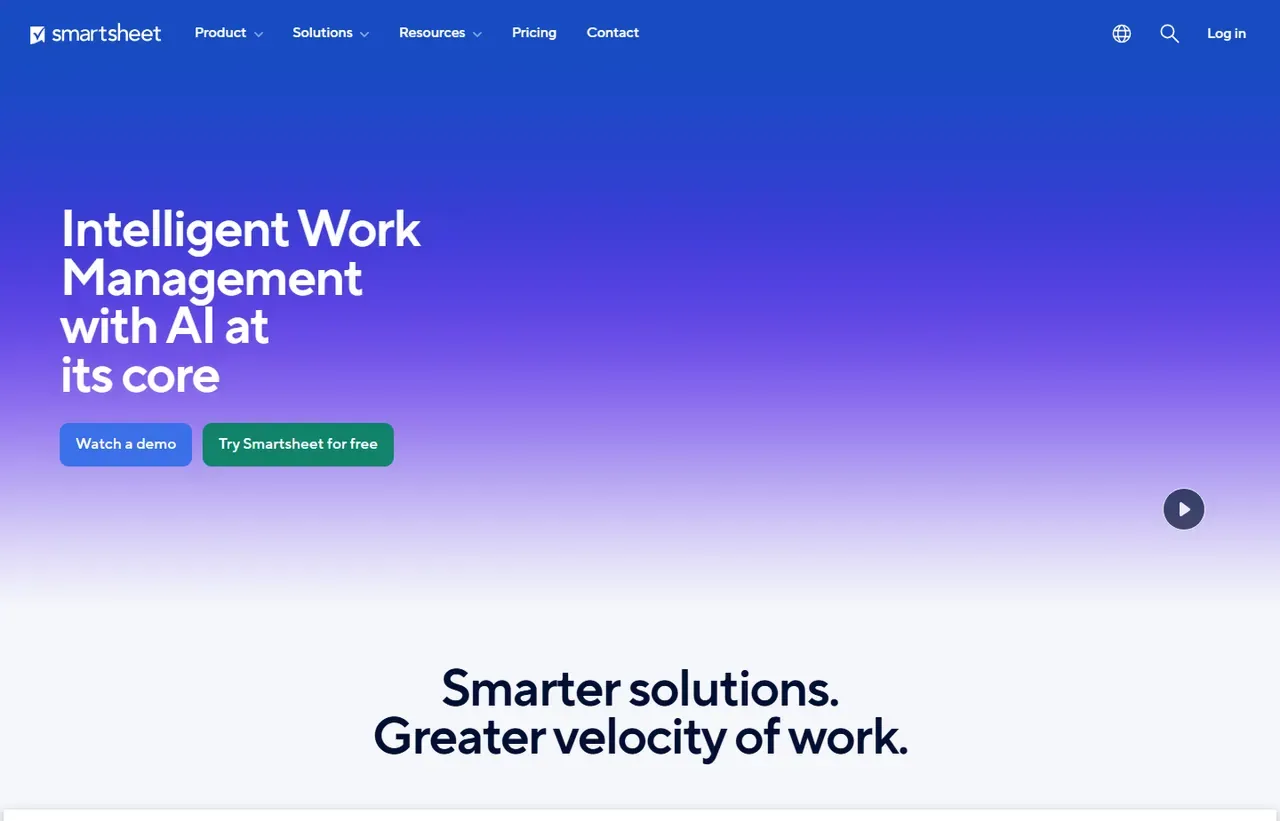
Smartsheet screenshots
Captured by us in August 2026 at 1440px, unedited. Interfaces change, so these show the product as it looked on the date we verified this profile. Vendors localise pricing by visitor region, so a pricing screenshot may display a different currency to the USD figures recorded above.

Our assessment
Smartsheet is unfashionable and effective. Because its core object is a sheet, teams that live in Excel migrate without resistance, and the platform then gives them dependencies, resource management and portfolio reporting that a spreadsheet cannot. The licensing model deserves more attention than it gets: contributors who edit and comment are free, and you only pay for members who own and create. For organisations with a small core team and a wide circle of occasional participants, that makes it considerably cheaper than per-seat rivals. The interface is the trade-off, and it will not win anyone over on appearance.
What works in Smartsheet
- Unlimited free contributors, so only owners need a licence
- Genuine dependency, critical path and resource management
- Familiar to spreadsheet users, so adoption resistance is low
- Strong portfolio dashboards for programme reporting
What doesn't
- Interface feels dated next to modern work management tools
- Pro is capped at 10 members, forcing an early upgrade
- Resource management and governance sit at Enterprise
- Steep learning curve once you move beyond simple sheets
EveryAny Decision Score
Scored by dimension rather than averaged into one number, because the trade-offs are the useful part. 3 of these 8 dimensions are calculated from verified facts by published formula; the rest are editorial judgement, labelled as such. How each score is calculated.
- Cost position5/10
derivedentry tier at $9 a month against a category median of $9.99 across 24 comparable tools
- Portability5/10
derivedpublic API
- Subscription flexibility6/10
derivedfree trial, subscription, monthly billing
- Feature depth8/10
editorialeditorial judgement, reviewed at last check
- Ease of learning7/10
editorialeditorial judgement, reviewed at last check
- Collaboration8/10
editorialeditorial judgement, reviewed at last check
- AI capability6/10
editorialeditorial judgement, reviewed at last check
- Professional adoption8/10
editorialeditorial judgement, reviewed at last check
What leaving Smartsheet would cost
moderate lock-in
Calculated as 10 minus a portability score of 5, built from four signals (self-hosting, a public API, open-source licensing and a documented export path) . Smartsheet scores on: public API. Formula.
Smartsheet competitors and alternatives
| Alternative | Why you might pick it instead |
|---|---|
| monday.com | More approachable and better looking, with less depth in scheduling. |
| Microsoft Project | The traditional alternative where formal project management is required. |
| Asana | Better for cross-functional work that is not schedule-driven. |

monday.com
Productivity
A colourful work OS you configure rather than adopt.

Asana
Productivity
Work management for teams that have outgrown a board but not hired a PM.
The licensing model is the underrated part
Most work management tools charge for everyone who touches the work. Smartsheet distinguishes members, who create and own sheets and need a licence, from contributors, who can edit rows, comment and respond to update requests for free.
For a programme with six coordinators and two hundred occasional participants, that difference is enormous. Compare it against monday.com or Asana, where a department-wide rollout means a department-wide licence count, and the arithmetic frequently favours Smartsheet despite the higher headline price.
The 10-member cap on Pro
Pro is $9 per member per month billed yearly and limited to ten members. That is a hard ceiling, and crossing it means Business at $19, roughly doubling the per-member cost. Organisations expecting to pass ten owners within the year should model Business from the start.
Why spreadsheet-shaped is a feature
Every migration off Excel fails the same way: the new tool is better, and people keep using Excel anyway. Smartsheet reduces that resistance by keeping rows, columns and formulas as the mental model while adding what spreadsheets lack. It is not the most elegant answer, but it is the one that survives contact with an organisation that has run on spreadsheets for fifteen years.
Where it is the wrong choice
Software teams should use Jira. Small teams wanting something modern and opinionated will be happier on Asana or monday.com. And organisations without formal scheduling requirements are paying for dependency management and resource planning they will never open.
Smartsheet questions, answered
- Is Smartsheet worth it?
- Smartsheet is unfashionable and effective.
- How much does Smartsheet cost?
- Pro from $9 per member/month billed yearly. The cheapest paid tier we recorded works out at $9 a month, or $108 over a year. Verified against the vendor's pricing page.
- Does Smartsheet have a free plan or free trial?
- Smartsheet has no free plan. A free trial is available: 30 days.
- What is the best Smartsheet alternative?
- It depends on the job. monday.com: More approachable and better looking, with less depth in scheduling. Microsoft Project: The traditional alternative where formal project management is required. Asana: Better for cross-functional work that is not schedule-driven.
- Can I self-host Smartsheet?
- No. Smartsheet is a hosted service only, so your data lives on the vendor's infrastructure.
Provenance and freshness
When each fact was last checked
- Pricing ·
- Plans ·
- Free trial
- Features
- Platforms
- Integrations
- Affiliate programme
- Company details
What has changed
-
August 2026
- Per-member pricing verified, yearly and monthly
- Added plan picker and verdicts
Sources & verification
Facts on this page were read from the sources below on the dates shown. Where a vendor does not publish a figure, we record it as not disclosed rather than estimating it.
- Smartsheet pricing - checked 9 August 2026
Spotted something out of date? Email [email protected] and we will re-check it. Corrections are logged on the page.


