
Notion Pricing
- Productivity pricing
- $10/mo at the smallest
- Free plan
Notion pricing starts at $10 a month, which is $120 over twelve months. There is a free plan. Every figure below was read from the vendor's pricing page on 9 August 2026, and one charge that the headline price does not include is set out below.
Opens the vendor's own pricing page. Figures here were read from it on 9 August 2026.
Notion ranking and coverage
- In Productivity
- #21 of 28 tied
- Overall
- #87 of 122 tied
- Terms score
- 4.8 /10
- Referenced here
- 6 pages
Cost position 3.6 · Portability 3.8 · Subscription flexibility 7 - Ranked on published terms only: entry price against category peers, portability and subscription flexibility, equally weighted. This is not a quality score.How the rank is calculated.
Notion pricing at a glance
| Entry price | Free; Plus from $10 per member/month |
|---|---|
| Smallest invoice | $10 a month, or $120 a year |
| How that is reached | Plus at $10 a month |
| Seat minimum | None on the entry plan |
| Free plan | Yes |
| Free trial | No trial offered |
| How it charges | freemium |
| Priced plans published | 5 rows on the vendor's page |
| Affiliate programme | Reported 50% of first-year subscription revenue on referred paid plans |
| Prices read from | The vendor's own pricing page |
| Last checked | 9 August 2026 |
Every Notion plan and what it costs
Read from the vendor's own pricing page on 9 August 2026. Charged as freemium. No free trial is offered.
| Plan | Price | Billing | What it is |
|---|---|---|---|
| Free | $0 | per month | per member |
| Plus | $10 | per month | per member |
| Business | $20 | per month | per member - Adds SAML SSO and private team spaces |
| Enterprise | Custom | Negotiated | – |
| Custom domain Add-on | $8 | per month | Add-on per domain, paid annually |
What Notion costs beyond the advertised price
Each of these is a figure you can check on the vendor's own page. The arithmetic is shown so you can redo it rather than take our word for it.
- Charged on top of a plan$96 a year
Custom domain is charged on top of a plan rather than instead of one: $8 a month, which is $96 a year on top of whichever tier you hold.
Working$8 a month x 12 = $96 a year, added to a tier price rather than replacing it.
Computed from the plan table on Notion pricing page , read 9 August 2026
What Notion actually costs over a year
A monthly price is not the same thing as a monthly contract. These are the plans above resolved both ways, per seat or unit where the plan is charged that way. Where a vendor quotes only a yearly figure it is divided by twelve rather than left out, and the Quoted column says which figure the vendor actually publishes.
| Plan | Quoted | Monthly | Over 12 months |
|---|---|---|---|
| Plusper member | per month | $10 | $120 |
| Businessper member | per month | $20 | $240 |
| Custom domain add-on | per month | $8 | $96 |
Notion pricing over time
Read from 18 archived captures of the vendor's pricing page , spanning November 2024 to September 2026. Every figure below links to the capture it came from, so you can check it against the page as it stood on the day.
- Business changed once between 16 November 2024 and 7 September 2026, from $15 per seat to $20 per seat, up 33.3% overall.
- Plus has been published at $10 per seat in every capture we read, from 16 November 2024 to 7 September 2026.
Business
Plus
| Published price | Charged | Seen from | Last seen | Capture |
|---|---|---|---|---|
| $10 | per seat | 16 November 2024 | 7 September 2026 | Archive |
Compiled 18 September 2026 from the Internet Archive Wayback Machine. Plan names were matched against the archived page text and the first currency-anchored figure within 160 characters was recorded, rejecting any figure with a competing plan name standing between it and the name it was matched to. The currency and the unit were read from each capture rather than assumed: captures served in a currency other than $, and captures where no plan name sat beside a figure, are listed as unread rather than dropped. Archived pages show the price as served to the archive's crawler, which may differ by region from the price you are shown.
Which Notion plan should you buy?
| Your situation | Recommended | Why |
|---|---|---|
| You work alone | Free | Unlimited pages for personal use. The free tier is genuinely sufficient for one person. |
| A small team needs a shared wiki | Plus | $10 per member unlocks unlimited file uploads and guest collaborators. |
| You need SAML SSO or private team spaces | Business | $20 per member, and identity requirements rather than page features are what usually force this step. |
| You want a custom domain on a public Notion site | Plus, with the custom domain add-on | The domain is $8 per domain annually on top of your plan, not included in it. |
| You need a database with strict field types and validation | Consider Airtable instead | Notion databases are flexible rather than rigorous, which matters once data integrity does. |
| You need offline access to your notes | Do not buy Notion | Obsidian keeps plain Markdown files on your own disk and works with no connection. |
Verdict by who you are
Individual note-takerYes
The free tier costs nothing and covers unlimited personal pages, so there is no reason not to try it.
Small team building a wikiYes
One tool covering docs, wiki and light project tracking at $10 a member is good value, provided somebody owns the structure.
Engineering team tracking sprintsCompare first
Notion can do this, but Linear and Jira do it properly. Use Notion for the documentation alongside them.
Team needing offline accessNo
Notion is effectively online-only, and a flaky connection makes it unusable.
Organisation with data residency requirementsNo
There is no self-hosted option, so your content sits on Notion's infrastructure.
Should you buy Notion?
Buy Notion if…
- Internal wikis and company knowledge bases
- Small and mid-sized teams wanting one flexible tool
- Documentation that needs structure without a database admin
Do not buy Notion if…
- Engineering teams needing a fast, opinionated issue tracker
- Offline-first working
- Very large datasets or heavy reporting
What leaving Notion would cost
moderate lock-in
Notion scores on public API, documented migration friction averaging 2.2 of 3. Portability 3.8/10 , after 1.2 off for documented migration friction; lock-in is the inverse. How this is calculated.
| What you would move | Friction | Risk |
|---|---|---|
| Pages and written content | Low | Markdown and HTML export work well, so plain documents move with little loss. |
| Databases, relations and rollups | High | Exports flatten to CSV, so relations, rollups and formulas are lost. |
| Linked and synced blocks | High | Do not survive export. Content ends up duplicated or missing. |
| Embedded files | Moderate | Exported as links that expire, so every attachment needs re-uploading. |
| Published pages and share links | Moderate | Break on migration, including any URLs you have shared externally. |
Plain writing leaves Notion easily; structure does not. The more you have built out of relations and rollups, the more of your work exists only as Notion's interpretation of it.
The structure problem
Every Notion failure story has the same shape. The tool is adopted enthusiastically, everyone creates pages, and within a year nobody can find the current version of anything. Notion does not impose structure, so somebody has to. The successful implementations all have a named owner, a top-level hierarchy agreed in advance, and a rule about where new pages go.
Databases are the real feature
The block editor is pleasant, but the reason to choose Notion over a plain docs tool is relational databases. One projects table can appear as a board for the team, a calendar for the client and a filtered list on someone’s personal dashboard - all the same records. Teams that never build a database are using perhaps a fifth of what they pay for.
Notion AI is a separate line item
Notion AI is priced as a per-user add-on, not included in Plus or Business. Budget for it separately, and be aware that per-seat AI add-ons across a large team add up faster than a single assistant subscription for the few people who would use one.
Where it is the wrong tool
Engineering teams that live in an issue tracker generally find Notion too slow and too loose; Linear or Jira exist for a reason. Anyone who works on planes or trains will be frustrated by the offline behaviour.
Notion questions, answered
- Is Notion worth it?
- Notion's flexibility is both the product and the problem.
- How much does Notion cost?
- Free; Plus from $10 per member/month. The cheapest paid tier we recorded is Plus, published at $10 a month, which works out at $10 a month or $120 over a year. Verified against the vendor's pricing page.
- Does Notion have a free plan or free trial?
- Notion has a free plan. No free trial is offered.
- What is the best Notion alternative?
- It depends on the job. Obsidian: Local-first Markdown notes; better for personal knowledge, weaker for teams. Coda: Similar hybrid docs-and-tables model with stronger built-in automation. Confluence: The conservative enterprise choice, with heavier permissions and governance.
- Can I self-host Notion?
- No. Notion is a hosted service only, so your data lives on the vendor's infrastructure.
Opens the vendor's own pricing page. Figures here were read from it on 9 August 2026.
What this profile is based on
Every claim below is about our work, not about Notion. A "no" is recorded rather than omitted, because the difference between a tested review and careful desk research is the reader's to weigh. How we research a profile.
-
Prices read from the vendor : yes
Read from Notion's own pricing page on 9 August 2026
-
Plans and terms recorded : yes
5 rows, each with its billing period
-
Original screenshots : yes
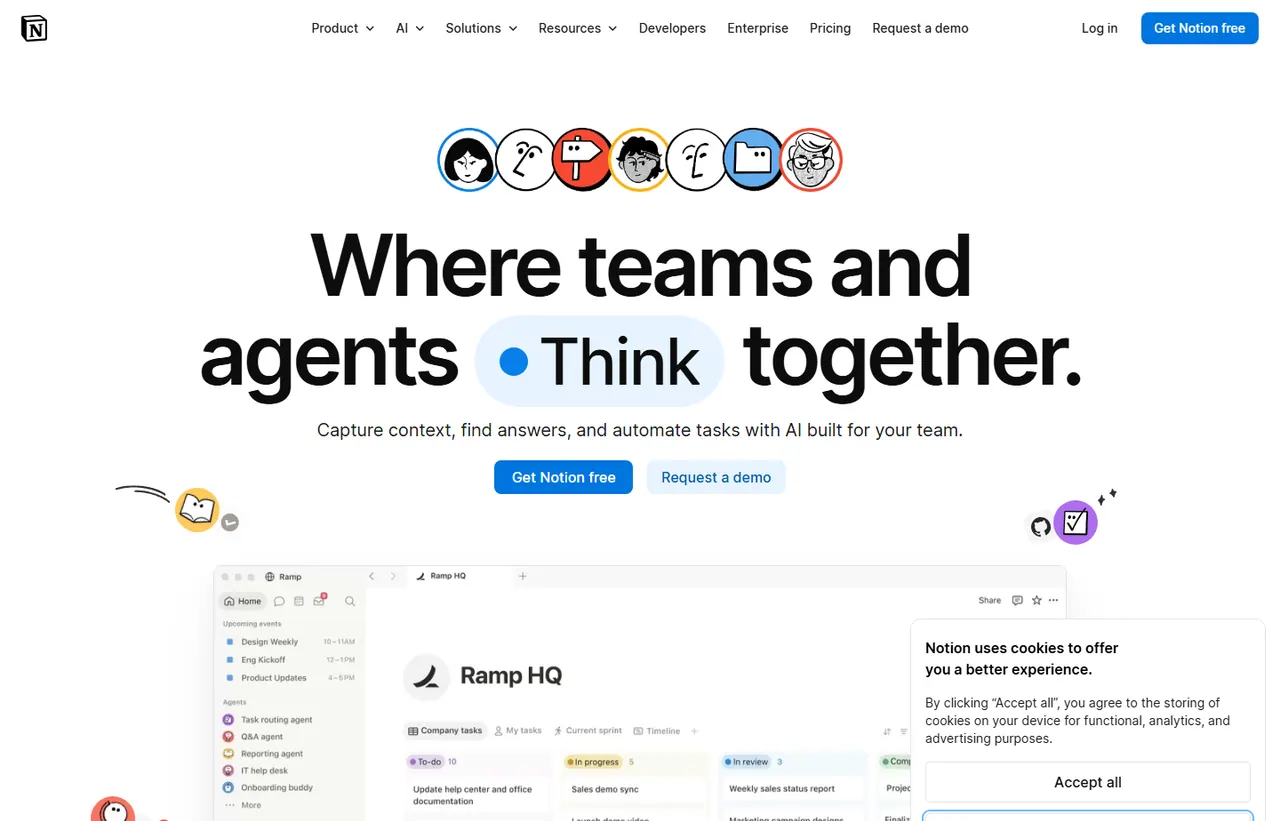
2 captured by us: pricing page, homepage
-
Sources cited and dated : yes
2 primary sources, each with the date it was read
-
Product used first-hand : no
Not tested. This profile is desk research from primary sources
-
Alternatives used first-hand : no
None, so comparisons here rest on published facts rather than use
-
Vendor contacted : no
Not contacted for this profile
Where Notion appears on this site
6 other pages here reference Notion. Every one is listed below, so the figure can be checked rather than taken.
- Price guide What a SaaS Affiliate Programme Reveals referenced in the guide
- Price guide When to Use a SaaS Free Trial vs a Free Plan referenced in the guide
- Another profile Airtable names it as a competitor
- Another profile Coda names it as a competitor
- Another profile Confluence names it as a competitor
- Another profile Obsidian names it as a competitor
Counts pages on this site that name the product by choice - price guides, pricing question pages, deal records and other profiles. Category and directory indexes list everything automatically and are not counted.
One-click Google setting
Get our writing surfaced first on Google
If this was useful, add EveryAny.One as a preferred source in Google. Our pricing pages and price guides will appear ahead of the rest in Top Stories, AI Mode and AI Overviews when you search for what software costs.
- Our reviews get a "preferred" badge in Top Stories and AI Overviews.
- AI Mode leans on the sources you've chosen when it answers.
- Change it back any time from the same Google page.

Opens Google's source preferences in a new tab.
Provenance and freshness
When each fact was last checked
- Pricing ·
- Plans ·
- Free trial
- Features
- Platforms
- Integrations
- Affiliate programme
- Company details
What has changed
-
August 2026
- Per-member pricing verified, including the custom domain add-on
- Added plan picker, verdicts and switching-cost breakdown
Sources & verification
Facts on this page were read from the sources below on the dates shown. Where a vendor does not publish a figure, we record it as not disclosed rather than estimating it.
- Notion pricing page - checked 9 August 2026
- Notion affiliate programme - checked 9 August 2026
Spotted something out of date? Email [email protected] and we will re-check it. Corrections are logged on the page.

